Introduction: Moving Beyond Isolated Coding toward Cross-Curricular Fluency
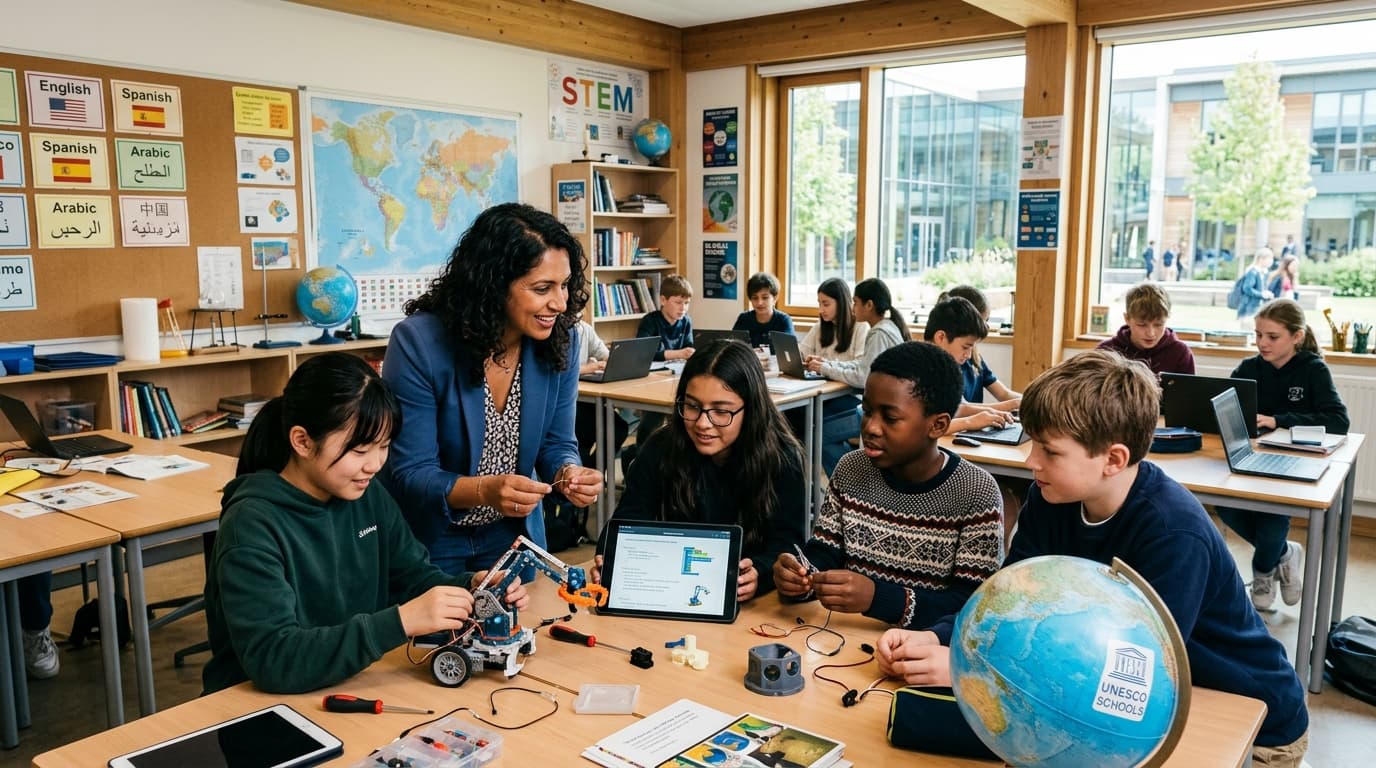
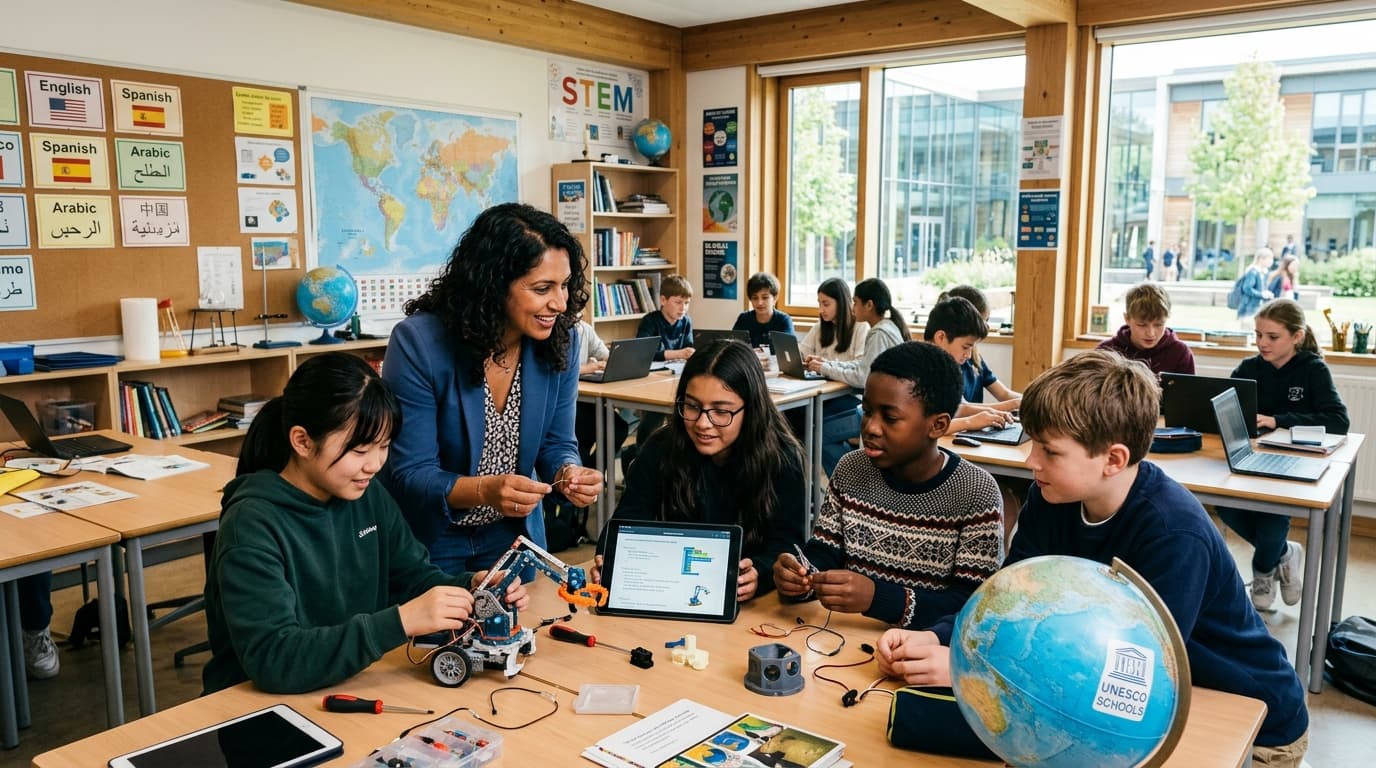
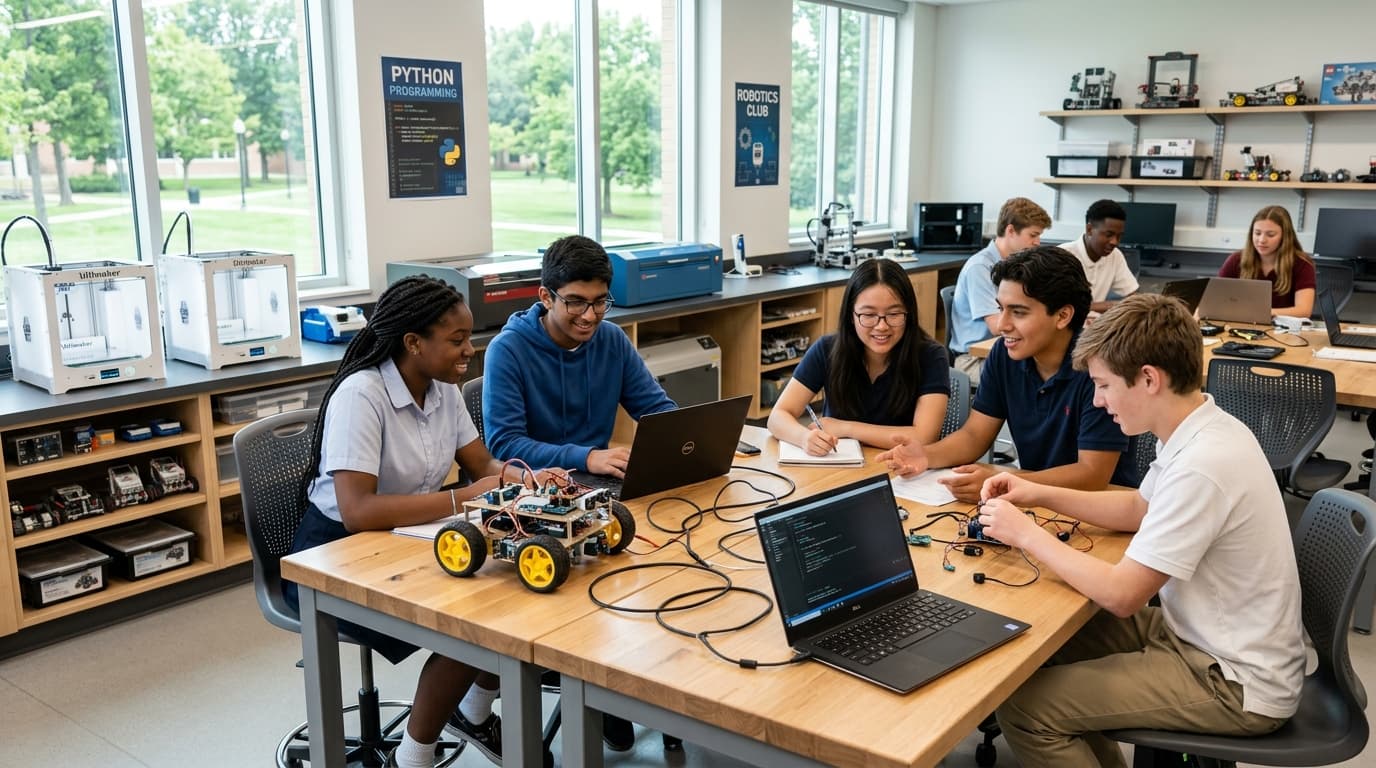
In the contemporary educational landscape, computer science and coding have transitioned from fringe technical electives into essential literacies. International schools around the globe have invested heavily in cutting-edge robotics laboratories, maker spaces, 3D printers, and 1:1 laptop initiatives, frequently highlighting these high-tech environments in recruitment and marketing brochures.
Yet beneath these state-of-the-art facilities lies a widespread pedagogical disconnect. In many schools, computer science remains completely siloed within isolated computer lab blocks. Students are introduced to introductory block-based visual coding environments (such as Scratch or Blockly) in elementary school, but hit an abrupt "syntax wall" in middle and high school when transitioning to professional text-based languages like Python. Furthermore, robotics is frequently relegated to after-school competitive clubs (such as FIRST LEGO League or VEX Robotics), accessible only to a self-selected minority of enthusiastic hobbyists.
Most critically, programming is often taught as an end in itself—an exercise in memorizing esoteric syntax, variable types, and loops to solve disconnected mathematical puzzles. This ignores the broader cognitive power of Computational Thinking (CT). Coined by Jeannette Wing and codified by the International Society for Technology in Education (ISTE), computational thinking is not merely programming; it is an expansive, cross-disciplinary problem-solving methodology that empowers learners to deconstruct complex systems, recognize abstract patterns, model solutions, and automate iterative processes.
When paired with accessible text-based programming in Python and tangible physical computing hardware (such as BBC micro:bit, Raspberry Pi Pico, and Arduino), computational thinking transforms into a dynamic cross-curricular vehicle. In biology, students program automated environmental greenhouse monitors; in humanities, they write Python scripts to mine sentiment data across historical treaties; in visual arts, they design generative algorithmic textiles.
This master guide provides international STEM coordinators, computer science educators, and cross-curricular instructional coaches with an end-to-end framework for embedding computational thinking, Python programming, and educational robotics across middle and secondary curricula. Featuring concrete progression models, cross-disciplinary project blueprints, physical computing workflows, and authentic assessment rubrics, this guide equips schools to build inclusive, inspiring, and rigorous computing cultures.
Deconstructing the Four Pillars of Computational Thinking
To build an authentic computing program, educators across all departments must share a common conceptual vocabulary. Jeannette Wing's foundational framework organizes computational thinking into four core mental operations:
Computational Thinking as a Cognitive Habit, Not Just a Screen Activity
Crucially, computational thinking begins unplugged. Before opening an IDE or touching a keyboard, students can practice decomposition by mapping the logistical steps required to organize a school charity banquet. They can practice algorithmic precision by writing step-by-step navigation instructions for a blindfolded classmate navigating a sensory obstacle course. When students understand that algorithmic logic is a universal human problem-solving strategy, the subsequent transition to computer code feels intuitive and empowering.
The Instructional Progression: From Block-Based Visuals to Text-Based Python
One of the most fraught pedagogical transitions in secondary computing education is moving students from block-based programming (Scratch) to text-based syntax (Python). When students encounter cryptic syntax errors (SyntaxError: invalid syntax, IndentationError: unexpected indent) for the first time, frustration spikes, and many conclude that they are "not built for coding."
Overcoming Syntax Trauma: The PRIMM Pedagogical Model
To prevent students from freezing in front of a blank screen, researchers at King's College London developed the PRIMM instructional model (Predict, Run, Investigate, Modify, Make). Instead of asking novices to write code from scratch, PRIMM uses structured scaffolding:
- [P] PREDICT: Students are given a functional 10-line Python snippet. Without running the code, they read it and write a prediction of what the program will output.
- [R] RUN: Students execute the code. They compare the actual terminal output with their prediction, discussing any surprises with a partner.
- [I] INVESTIGATE: Students annotate the code. They answer targeted comprehension questions: "Which line stores user input?" or "What happens if the user enters a negative integer?"
- [M] MODIFY: Students alter the existing code to change its behavior: "Modify the conditional statement on line 6 so the program accepts three temperature categories instead of two."
- [M] MAKE: Finally, students create an original program that applies the same algorithmic pattern to solve an authentic problem from scratch.
Physical Computing and Robotics: Making Code Tangible
Pure software programming can easily feel abstract and disembodied. For many kinesthetic, creative, and neurodiverse learners, watching text print to a console terminal lacks emotional resonance.
Lesson Planner
Generate comprehensive, CAPS-aligned lesson plans in seconds.
Physical computing—interfacing software with sensors, actuators, motors, LEDs, and physical microcontrollers—grounds computational logic in the tangible physical world. When a line of Python code causes an external motor to rotate, illuminates an RGB LED strip, or reads ambient humidity from a greenhouse sensor, abstract syntax transforms into concrete cause and effect.
Safe Laboratory Management in Physical Computing
Managing a physical computing laboratory requires disciplined physical workflows:
- Modular Component Toolkits: Organize electronic components (sensors, jumper wires, breadboards, resistors) into numbered, compartmentalized plastic tackle boxes assigned to specific student pairs. This prevents missing parts and minimizes transition friction.
- The "Check-Before-Power" Rule: In circuits involving external power supplies and microcontrollers, establish an absolute safety protocol: Students must have their wiring inspected by a peer or teacher before connecting the battery pack or USB power lead, preventing damaged microcontrollers.
Cross-Curricular Integration: Computational Thinking Across Subjects
The true promise of computational thinking is realized when it escapes the confines of the computer science lab and enriches mainstream academic subjects. Below are four multi-disciplinary project blueprints demonstrating computational thinking and Python in action:
Authentic Code Exemplar: The Automated Greenhouse Monitor
Below is a field-tested MicroPython script that secondary students write and deploy on a Raspberry Pi Pico or BBC micro:bit to monitor environmental greenhouse conditions. It demonstrates decomposition, conditional logic, and sensor calibration:
Automated Greenhouse Environmental Monitor
| 1 | 700;">import machine |
| 2 | 700;">import time |
| 3 | 700;">import dht |
| 4 | |
| 5 | # Hardware Pin Assignments |
| 6 | SOIL_PIN = 26 # ADC0 Analog Input |
| 7 | DHT_PIN = 15 # Digital Input for DHT11 Sensor |
| 8 | PUMP_RELAY_PIN = 16 # Digital Output to Water Pump Relay |
| 9 | STATUS_LED_PIN = 25 # Onboard Pico Status LED |
| 10 | |
| 11 | # Initialize Hardware Peripherals |
| 12 | soil_sensor = machine.ADC(SOIL_PIN) |
| 13 | temp_sensor = dht.DHT11(machine.Pin(DHT_PIN)) |
| 14 | pump_relay = machine.Pin(PUMP_RELAY_PIN, machine.Pin.OUT) |
| 15 | status_led = machine.Pin(STATUS_LED_PIN, machine.Pin.OUT) |
| 16 | |
| 17 | # Calibration Constants |
| 18 | DRY_SOIL_THRESHOLD = 45000 # Raw 16-bit ADC reading when soil requires water |
| 19 | PUMP_DURATION_SECONDS = 3 # Run pump for 3 seconds then re-evaluate |
| 20 | |
| 21 | 700;">def read_soil_moisture_percentage(): |
| 22 | """Reads raw 16-bit ADC (0-65535) and converts to estimated percentage.""" |
| 23 | raw_val = soil_sensor.read_u16() |
| 24 | # Inverted scale: lower ADC value indicates higher electrical conductivity/moisture |
| 25 | moisture_pct = max(0, min(100, int((1.0 - (raw_val / 65535.0)) * 100))) |
| 26 | 700;">return moisture_pct, raw_val |
| 27 | |
| 28 | 700;">def monitor_and_regulate(): |
| 29 | print("[SYSTEM ACTIVE] Starting Automated Greenhouse Loop...") |
| 30 | 700;">while True: |
| 31 | 700;">try: |
| 32 | status_led.toggle() |
| 33 | # Read climate conditions |
| 34 | temp_sensor.measure() |
| 35 | temp_c = temp_sensor.temperature() |
| 36 | humidity_pct = temp_sensor.humidity() |
| 37 | |
| 38 | # Read soil condition |
| 39 | moisture_pct, raw_adc = read_soil_moisture_percentage() |
| 40 | |
| 41 | print(f"Climate: {temp_c}C | Air Humidity: {humidity_pct}% | Soil Moisture: {moisture_pct}% (Raw: {raw_adc})") |
| 42 | |
| 43 | # Algorithmic Decision: Trigger Irrigation |
| 44 | 700;">if raw_adc > DRY_SOIL_THRESHOLD: |
| 45 | print(">> [ALERT] Soil critically dry! Activating irrigation pump...") |
| 46 | pump_relay.value(1) # Turn pump ON |
| 47 | time.sleep(PUMP_DURATION_SECONDS) |
| 48 | pump_relay.value(0) # Turn pump OFF |
| 49 | print(">> [INFO] Irrigation pulse complete. Waiting for absorption.") |
| 50 | time.sleep(5) # Wait for water to diffuse through soil |
| 51 | 700;">else: |
| 52 | pump_relay.value(0) # Ensure pump is OFF |
| 53 | |
| 54 | time.sleep(10) # Sampling interval: 10 seconds |
| 55 | |
| 56 | 700;">except Exception 700;">as err: |
| 57 | print(f"[ERROR] Sensor read failure: {err}") |
| 58 | pump_relay.value(0) # Fail-safe: ensure water is OFF on error |
| 59 | time.sleep(5) |
| 60 | |
| 61 | # Entry Point Execution |
| 62 | 700;">if __name__ == "__main__": |
| 63 | monitor_and_regulate() |
Deconstructing the Code for Learning:
- Fail-Safe Design: Notice the
try...exceptblock withpump_relay.value(0)in the exception handler. Students learn defensive programming: If a sensor becomes disconnected, the program must never leave a mechanical water pump running continuously, which would flood the lab. - Mathematical Modeling: Converting raw 16-bit analog data (
0to65,535) into an intuitive 0–100% moisture reading reinforces ratios, inverse scales, and data normalization.
Inclusive Assessment Rubric for Computational Projects
Evaluating student computing projects based solely on whether the program compiles penalizes creative experimentation and discourages learners from tackling ambitious challenges. High-impact computing programs utilize criterion-referenced rubrics that evaluate the entire computational thinking and design process:
try-except) and edge-case validation.x, a1); zero error handling or edge-case consideration. CRITERION 3: PHYSICAL COMPUTING & HARDWARE INTEGRATION (25%)School-Wide Computing & STEM Implementation Audit
STEM coordinators and school leadership can use this checklist to ensure their computational thinking ecosystem is structurally progressive and sustainable:
| Strategic Domain | Implementation Milestone | Status |
|---|---|---|
|
Progression Continuum
|
Structured vertical curriculum mapping transition from block-based (Scratch) to hybrid (MakeCode) to text (Python).
|
Verified [ ]
|
|
Cross-Curricular Units
|
Middle school science and humanities departments deliver at least one integrated computational thinking unit per year.
|
Verified [ ]
|
|
Physical Hardware
|
Standardized, accessible physical computing toolkits (micro:bit or Pico) available across mainstream classes, not just clubs.
|
Verified [ ]
|
|
Pedagogical Routines
|
Teachers trained in the PRIMM model and unplugged computational thinking routines to lower cognitive friction.
|
Verified [ ]
|
|
Inclusive Culture
|
Intentional initiatives promoting gender parity and linguistic accessibility in computing and robotics enrollments.
|
Verified [ ]
|
|
Ethics & AI Literacy
|
Algorithmic bias, data privacy, and ethical automation principles embedded into all computing design briefs.
|
Verified [ ]
|
Conclusion: Empowering Creators, Not Just Consumers
In an era increasingly shaped by automated algorithms, artificial intelligence, and physical robotics, the ultimate goal of international STEM education is not to turn every student into a professional software engineer. It is to demystify the technological landscape, transforming young people from passive, vulnerable consumers of closed proprietary algorithms into empowered, ethical creators who understand how the digital world is built.
When students learn to decompose complex global challenges, write clear algorithmic instructions in Python, and construct physical robotic devices that respond to the natural environment, they gain far more than coding syntax. They discover their own intellectual agency. They learn that the technology shaping our planet is not magic; it is human ingenuity codified—and that they hold the power to reshape that technology to build a more sustainable, equitable, and compassionate world.