Bridging the Divide: A Practical Guide to Tech Integration in Under-Resourced South African Classrooms
The phrase "Fourth Industrial Revolution" (4IR) is echoed in policy documents and media headlines, promising a future of digital transformation for South African education. Yet, for countless teachers on the ground – from the sprawling townships of Gauteng to the rural hills of the Eastern Cape – this promise can feel distant, almost abstract. The daily reality isn't one-to-one tablet programmes or high-speed fibre in every classroom. It's a reality of 45 learners to a room, crippling data costs, unreliable connectivity, and the ever-present shadow of load shedding.
So, how do we bridge this chasm? How do we, as South African teachers, Heads of Department (HODs), and School Management Teams (SMTs), integrate technology meaningfully without a Silicon Valley budget?
This is not another article about expensive smartboards you can't afford. This is a practical, CAPS-aligned guide for the resourceful, resilient South African educator. It’s about shifting our mindset from what we lack to what we can leverage. It’s about understanding that effective educational technology isn't about the price tag of the device, but the pedagogical power of its application.
Redefining "Technology" in the South African Context
Before we dive into strategies, we must first dismantle a limiting belief. "Technology" in education is not solely defined by interactive whiteboards, dedicated computer labs, or a tablet for every learner. In our context, we need a broader, more inclusive definition.
Technology is any digital tool that can enhance teaching and learning. This includes:
- The single, slightly outdated laptop at the front of the class.
- The teacher's own smartphone.
- The one smartphone in a group of five learners.
- A basic projector casting onto a wall or pull-down screen.
- A WhatsApp group used for sharing resources.
- An SMS used for a quick parent reminder.
The paradigm shift required is from a hardware-centric to a pedagogy-centric approach. The critical question isn't "What tech do we have?" but rather, "How can we use the tech we do have to deepen understanding of this CAPS topic?" This shift empowers teachers, placing the focus back on instructional design rather than resource acquisition.
The "One-Device Classroom" Strategy: Maximising a Single Point of Access
The most common scenario in under-resourced schools is the "one-device classroom"—a single laptop or desktop computer, perhaps connected to a projector. Far from being a limitation, this single point of access can become a powerful hub for learning if used strategically.
The Teacher's Laptop/Projector as a Dynamic Learning Hub
Move beyond static PowerPoint presentations. Your laptop and projector combination is a window to the world for your learners.
- For Geography (Grades 8-12): Instead of just showing a map in a textbook, use Google Earth (free) to fly learners to the Amazon Rainforest when teaching ecosystems. Zoom into the Drakensberg to show real-world examples of contour lines. The visual impact is immense and unforgettable.
- For Life Sciences (FET Phase): A short, two-minute, pre-downloaded YouTube video showing mitosis in action is infinitely more effective than a static diagram. Platforms like Mindset Learn offer thousands of CAPS-aligned videos that can be downloaded at home or during off-peak data times.
- For English Home Language (All Grades): Display a poem on the screen. Use different coloured highlighters in a basic word processor to collaboratively analyse imagery, metaphor, and rhyme scheme with the class. This makes the annotation process visible and interactive.
- For Mathematics (All Grades): Use a free online graphing calculator like Desmos to demonstrate how changing a variable in an equation affects the graph in real-time. This dynamic visualisation helps learners grasp abstract concepts far more quickly.
The "Station Rotation" Model for Differentiated Learning
The station rotation model is a game-changer for a one-device classroom. Divide your class into several groups and set up different "stations" with various activities. Learners rotate through these stations in timed intervals.
- Station 1 (The Tech Station): This is where your single laptop or tablet lives. A small group of 4-5 learners works on a specific, targeted digital task. This could be conducting a quick web search for a project, completing a short quiz on Google Forms, or watching a pre-loaded educational video.
- Station 2 (The Collaborative Station): Learners work in groups on a problem-solving task, a worksheet, or a discussion based on the day's topic. This station requires no technology.
- Station 3 (The Teacher-Led Station): Here, you work with a small group, providing direct instruction, remediation, or enrichment. This allows for powerful, differentiated teaching.
- Station 4 (The Independent Station): Learners work quietly on their own, perhaps reading a section of the Siyavula textbook, summarising notes, or practicing a skill.
This model ensures every learner gets access to the technology during the lesson, promotes collaborative and independent learning, and allows you to provide targeted support.
Learner-Led Demonstrations
Hand over the reins. After teaching a concept, task a learner or a small group with preparing a short demonstration using the teacher's laptop. This could involve finding a relevant image to explain a concept, playing a short piece of audio, or typing up key points as identified by the class. This not only reinforces learning but also builds crucial 21st-century skills like digital literacy, communication, and confidence.
Leveraging the Most Ubiquitous Tool: The Mobile Phone
The debate around cellphones in schools often centres on their potential for distraction. While valid, a blanket ban ignores their immense potential as powerful, pocket-sized learning tools. The reality is that many of our learners have access to a smartphone, either their own or a family member's. It's the most prevalent piece of technology available to them.
Harnessing WhatsApp for Learning (Beyond Admin)
WhatsApp is data-efficient and already used by nearly everyone. By establishing a clear set of rules and a dedicated purpose, a subject-specific WhatsApp group can become an invaluable educational asset.
- Voice Note Explanations: For complex topics in Accounting or Physical Sciences, record a 2-3 minute voice note explaining the concept. Learners can listen to it multiple times, at their own pace. This is fantastic for auditory learners and uses minimal data.
- Resource Distribution: Share PDFs of past exam papers, memos, and important notes directly with learners and parents. This bypasses the need for expensive photocopying.
- Quick Formative Assessments: Use the poll feature to ask a quick multiple-choice question to gauge understanding of a topic covered in class. It’s instant, data-free for learners to respond to, and gives you valuable feedback.
- Image Sharing: A learner struggling with a homework problem can snap a photo and share it with the group, allowing for peer-to-peer or teacher support.
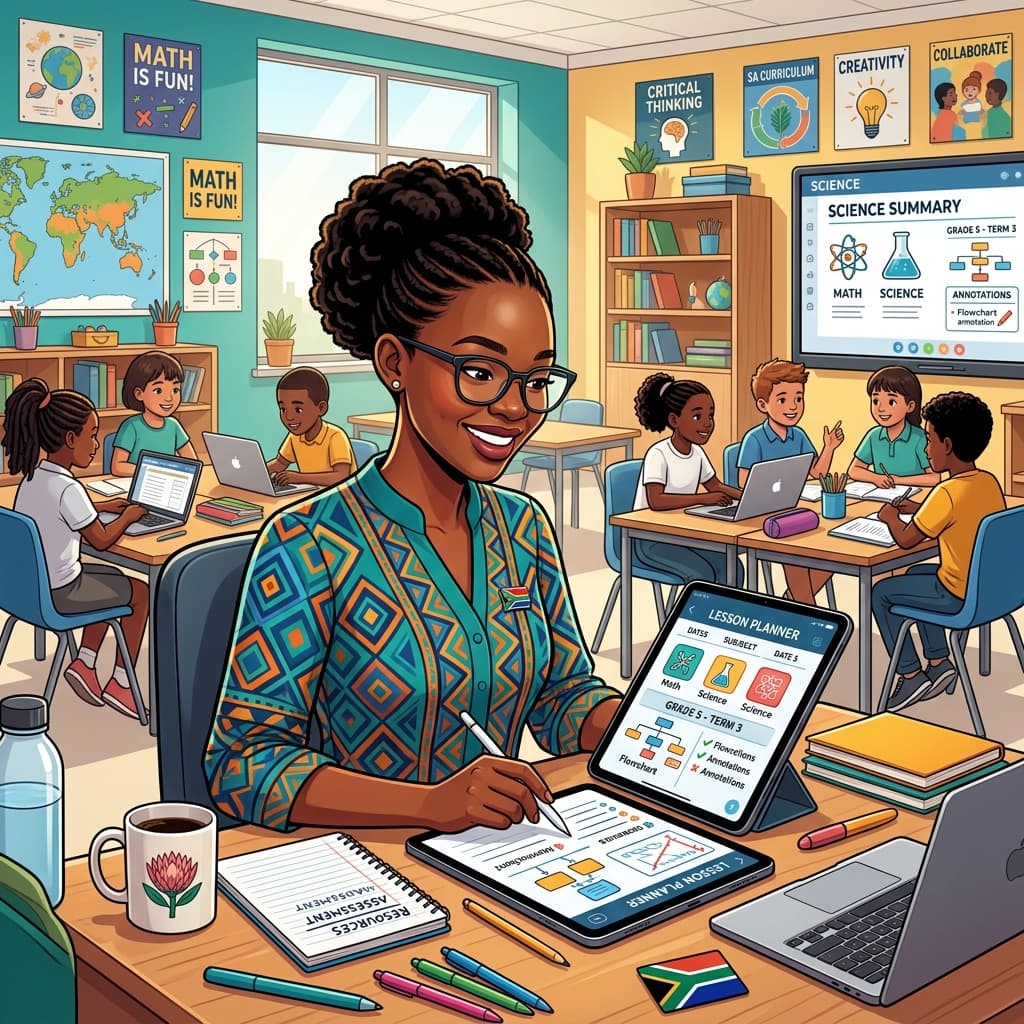
Lesson Planner
Generate comprehensive, CAPS-aligned lesson plans in seconds.
Critical Note: Success here depends on strict management. Set rules from day one: no memes, no off-topic chatter, and specific "office hours" during which the teacher will respond.
BYOD (Bring Your Own Device) on a Budget
Implementing a BYOD policy doesn't have to mean every learner needs the latest iPhone. It’s about leveraging the devices that are present in the room.
- Group-Based BYOD: Acknowledge the digital divide. Structure activities so that only one smartphone is needed per group of 4-5 learners. The task becomes collaborative.
- Time-Boxed, Specific Tasks: Avoid unstructured "research time." Give clear, concise instructions: "Your group has 7 minutes to use one phone to find the date of the Battle of Blood River and three key figures involved. Write it down and put the phone away." This maintains focus and minimises distraction.
- QR Codes: Create and print QR codes that link directly to a specific website, video, or document. Learners can scan this with their phone, taking them straight to the resource without needing to type URLs. This is efficient and saves time.
Essential Offline and Data-Lite Apps for SA Learners
The key to mobile learning in our context is to minimise data consumption. Encourage learners to download and use apps that work offline or use very little data.
- 2Enable: A fantastic South African platform offering CAPS-aligned content, including videos and documents that can be downloaded and accessed offline.
- Khan Academy: A global giant, but its app allows users to download entire sections and videos for offline viewing. Invaluable for Maths and Science.
- Fundza Literacy Trust: Promotes reading and writing for teens and young adults through a data-lite mobile site.
- Offline Dictionaries: There are numerous free dictionary apps (like Dict.cc) that allow you to download entire language packs, making them fully functional without an internet connection.
Content is King: Finding and Creating CAPS-Aligned Digital Resources
The most powerful device is useless without high-quality, relevant content. Fortunately, there is a wealth of free, CAPS-aligned material available for South African educators.
The Power of Open Educational Resources (OER)
OER are teaching, learning, and research materials that are in the public domain or have been released under an open license that permits no-cost access, use, adaptation, and redistribution.
- Siyavula: A cornerstone of South African OER. They provide free, downloadable, CAPS-aligned textbooks for Mathematics and Sciences from Grade 4 to 12. These can be shared as PDFs or viewed online.
- DBE Cloud: The Department of Basic Education's own repository of resources, including lesson plans, multimedia, and past papers.
- Mindset Learn: As mentioned, their YouTube channel is a goldmine of video content covering a vast range of subjects and grades, all aligned with the South African curriculum.
- University of Cape Town's OpenContent: Offers a variety of open textbooks and resources, particularly for senior and FET phase learners.
Creating Your Own Simple, Reusable Content
Sometimes the most effective resources are the ones you create yourself, tailored to your learners' specific needs.
- Simple Instructional Videos: Use your smartphone to record yourself demonstrating a science experiment, solving a complex maths problem on a whiteboard, or showing how to use a piece of equipment for a practical assessment task (PAT).
- Google Forms for Assessment: Create self-marking quizzes and surveys using Google Forms. This saves countless hours of marking and provides immediate feedback to learners. You can share the link via WhatsApp or a QR code.
- Curated YouTube Playlists: Instead of sending learners to the wilderness of YouTube, create playlists of pre-vetted, CAPS-relevant videos for a specific topic. This ensures they are watching high-quality, relevant content.
Overcoming Systemic Hurdles: A Word for HODs and SMTs
For tech integration to be sustainable, it requires support from school leadership. Teachers cannot do it alone.
Policy and Professional Development
- Develop an Acceptable Use Policy (AUP): Work with your SGB and staff to create a clear, simple policy for technology use, especially regarding BYOD. This protects both learners and educators.
- Focus on Pedagogical Training: Professional development shouldn't just be about which buttons to press. Invest in training (many free or low-cost options exist) that focuses on how to teach with technology. Encourage peer-led workshops where tech-savvy teachers share their practical classroom strategies with colleagues—this can even be structured to earn SACE points.
Tackling Connectivity and Load Shedding
- The Offline-First Mentality: Champion a school-wide culture of downloading resources when connectivity and power are available, for use when they are not.
- Strategic Investment: A small investment in a UPS (Uninterruptible Power Supply) for the school's main Wi-Fi router and the server can keep your network online during shorter periods of load shedding, providing a crucial lifeline.
- Advocacy: Use your SMT and SGB platforms to constantly advocate for better and more affordable connectivity solutions from both provincial education departments and local service providers.
Conclusion: Mindset Over Money
Integrating technology into under-resourced South African classrooms is not about waiting for a miraculous budget increase. It is a marathon, not a sprint. It’s about innovation born from necessity. It’s about starting small, celebrating incremental successes, and building a culture of resourcefulness.
By redefining what "tech" means, maximising the potential of a single device, leveraging the phones already in our learners' pockets, and championing free, open-source content, we can make a profound difference.
The goal is not to use technology for technology's sake. The goal is to use it to spark curiosity, deepen understanding, and equip our learners with the skills they need to thrive in a world that is undeniably digital. Pick one idea from this guide. Try it in your classroom next week. The journey to bridging the digital divide starts with that single, practical step.
Tyler. M
Dedicated to empowering South African teachers through modern AI strategies, research-backed pedagogy, and policy insights.