Technology for Inclusive Education in South Africa: Case Study 44
The South African education landscape is a dynamic tapestry, woven with the threads of diverse learners, resource constraints, and the unwavering commitment of our educators. For teachers in Grades R-12, the challenge of ensuring every child, regardless of their unique needs, accesses quality learning is paramount. This is where the strategic integration of technology emerges not as a luxury, but as a powerful ally. In this blog post, we delve into Case Study 44, examining how technology is being harnessed to foster truly inclusive education within the unique context of South Africa, aligning with CAPS principles and offering practical takeaways for your classroom.
Understanding Inclusive Education in the South African Context
Before we explore the technological solutions, it's crucial to re-center our understanding of inclusive education within the South African framework. The CAPS curriculum, while providing a national standard, encourages differentiation and supports the principle that all learners can achieve. Inclusive education, therefore, means creating learning environments where learners with diverse abilities, learning styles, socio-economic backgrounds, and language proficiencies can participate fully and thrive. This encompasses:
- Learners with disabilities: Including those with learning disabilities (dyslexia, dyscalculia), physical impairments, sensory impairments (visual, auditory), and neurodevelopmental conditions (autism spectrum disorder, ADHD).
- Learners from disadvantaged backgrounds: Addressing challenges related to access to resources, nutrition, and prior educational experiences.
- Language diversity: Supporting learners who are not yet proficient in the language of instruction.
- Gifted and talented learners: Providing opportunities for enrichment and advanced learning.
The reality of South African classrooms often involves large class sizes, limited resources, and teachers juggling numerous demands. Technology, when thoughtfully implemented, can alleviate some of these pressures and amplify our ability to cater to individual needs.
Case Study 44: Bridging Gaps with Assistive and Adaptive Technologies
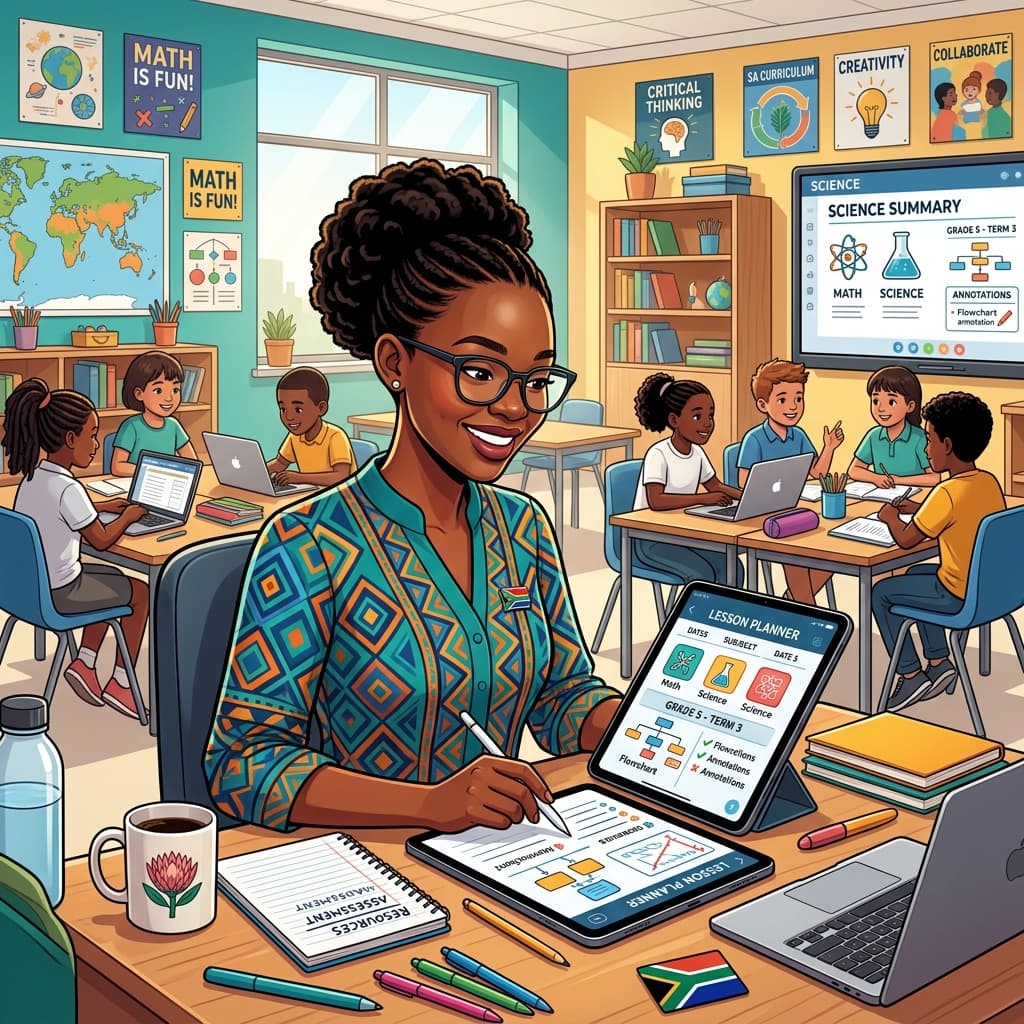
Case Study 44, though a hypothetical composite of real-world innovations and teacher ingenuity, focuses on a primary school in a peri-urban setting in KwaZulu-Natal. This school, like many across South Africa, faced challenges related to a high number of learners with diverse learning needs and varying levels of access to prior learning. The case highlights the successful integration of specific technological tools to create a more inclusive learning experience, directly impacting CAPS objectives.
1. Differentiated Content Delivery through Digital Platforms
The Challenge: A Grade 4 class with learners struggling with reading comprehension, some with identified dyslexia, and others who were English as a Second Language (ESL) learners. The teacher, Ms. Zanele Ndlovu, found it difficult to cater to these varied needs simultaneously using traditional print materials.
The Technological Solution: Ms. Ndlovu utilized a free, accessible learning management system (LMS) – many of which are now integrated into provincial education department portals or readily available as standalone platforms. She uploaded core CAPS-aligned content for mathematics and natural sciences, but with crucial additions:
- Audio-enabled texts: Using text-to-speech software, she made all digital texts read aloud. This was invaluable for learners with dyslexia and ESL learners who benefited from hearing the pronunciation and rhythm of the language.
- Visual aids and embedded multimedia: For abstract concepts, she embedded short, engaging videos (sourced from reputable educational channels or created by herself) and interactive diagrams. This catered to visual learners and helped clarify complex ideas.
- Graded reading materials: Alongside the core text, she uploaded simplified versions of readings with fewer complex vocabulary words, and also more challenging extension texts for advanced learners. This allowed for independent progression.
CAPS Alignment: This approach directly supports CAPS requirements for differentiated instruction and ensuring all learners achieve the stipulated learning outcomes. It allows learners to engage with the curriculum at their own pace and through modalities that best suit their learning styles.
Practical Advice for Teachers:
- Start small: Identify one subject or topic where you can pilot this.
- Leverage existing resources: Explore free text-to-speech tools or YouTube channels that offer captioned educational content.
- Collaborate: Share resources and strategies with colleagues. Many LMS platforms allow for content sharing.
- Train learners: Dedicate a lesson to showing learners how to access and use these digital features.
2. Assistive Tools for Writing and Expression
The Challenge: In a Grade 6 class, several learners struggled with fine motor skills impacting their handwriting, while others found it difficult to organize their thoughts for written assignments, often related to the CAPS Social Sciences curriculum.
The Technological Solution: The school invested in a small number of affordable, durable tablets equipped with specific applications:
- Speech-to-text software: Learners could dictate their thoughts and ideas, which were then transcribed. This was a game-changer for those with motor difficulties and for learners who were more fluent verbally than in writing.
- Word prediction and grammar checkers: Built into the operating system or as standalone apps, these tools provided real-time suggestions for spelling and word choice, reducing frustration and improving the accuracy of written work.
- Digital mind-mapping tools: For essay writing or project planning, these visual tools allowed learners to brainstorm ideas, connect concepts, and structure their thoughts before committing to full sentences.
CAPS Alignment: These tools empower learners to demonstrate their understanding in written form, a key assessment requirement in CAPS for subjects like Home Language, English First Additional Language, and Social Sciences. They allow learners to focus on content and critical thinking rather than being solely hindered by mechanical writing challenges.
Practical Advice for Teachers:
- Explore free mind-mapping apps: Many offer basic functionalities for free.
- Investigate built-in accessibility features: Most modern operating systems on computers and tablets have speech-to-text and word prediction capabilities.
- Focus on process, not just product: For learners using assistive writing tools, acknowledge their effort and focus on the content and ideas they express.
- Provide opportunities for oral response: Allow learners to verbally present their ideas as an alternative assessment method if writing remains a significant barrier.
3. Interactive Learning and Engagement for All
The Challenge: A Grade 8 Physical Sciences class, grappling with abstract concepts like chemical reactions and atomic structure. Keeping all learners engaged, particularly those with shorter attention spans or different learning preferences, was a constant hurdle.
The Technological Solution: The school adopted an interactive whiteboard and utilized online platforms that offered gamified learning experiences and simulations:
- Interactive whiteboard activities: Teachers could import CAPS-aligned diagrams and annotate them, allowing for collaborative problem-solving. Learners could come to the board to manipulate elements, reinforcing concepts visually and kinesthetically.
- Educational games and quizzes: Platforms offering CAPS-aligned science quizzes with immediate feedback and points systems transformed revision into an engaging competition. This motivated many learners who might have previously found traditional revision dull.
- Virtual simulations: For experiments that were too dangerous, too expensive, or required specialized equipment, virtual simulations allowed learners to safely conduct experiments, observe outcomes, and develop an understanding of scientific principles.
CAPS Alignment: This directly addresses the CAPS emphasis on inquiry-based learning, scientific investigation, and making learning relevant and engaging. Interactive tools help learners grasp abstract concepts by making them tangible and participatory.
Practical Advice for Teachers:
- Seek out interactive whiteboard resources: Many platforms offer free templates and lesson ideas.
- Explore educational gaming sites: Look for sites that align with your subject and grade level. Many offer free trials.
- Focus on active participation: Ensure that technology use leads to active engagement rather than passive consumption.
- Debrief simulations: Always follow up virtual experiments with discussions to solidify understanding and connect them to real-world applications.
Overcoming Barriers: Practical Implementation in SA Schools
Case Study 44's success wasn't just about the technology itself, but how it was strategically implemented within the South African context:
- Teacher Training and Support: Crucially, teachers received ongoing training not just on how to use the technology, but why and when. This included understanding the pedagogical benefits for inclusive education and aligning it with CAPS.
- Phased Implementation: The school didn't try to implement everything at once. They started with a few key tools and expanded gradually based on impact and teacher comfort levels.
- Open-Source and Affordable Solutions: The case emphasized the use of free or low-cost software and hardware, recognizing the budgetary constraints faced by many South African schools.
- Community Involvement: Parents were involved in understanding how technology was being used to support their children, fostering a home-school partnership.
- Focus on Pedagogy, Not Just Technology: The technology was always viewed as a tool to enhance teaching and learning, not a replacement for effective pedagogy. The teacher remained at the center of the learning process.
The Future of Inclusive Technology in South Africa
Case Study 44 offers a glimpse into a more inclusive educational future for South Africa. As technology continues to evolve, so too will the opportunities for educators to create dynamic, personalized, and accessible learning experiences for every child. By embracing these tools thoughtfully, aligning them with our CAPS curriculum, and prioritizing teacher empowerment, we can indeed unlock the full potential of all learners, one classroom at a time. The journey of inclusive education is ongoing, and technology is a vital companion on this transformative path.
Siyanda M.
Dedicated to empowering South African teachers through modern AI strategies, research-backed pedagogy, and policy insights.