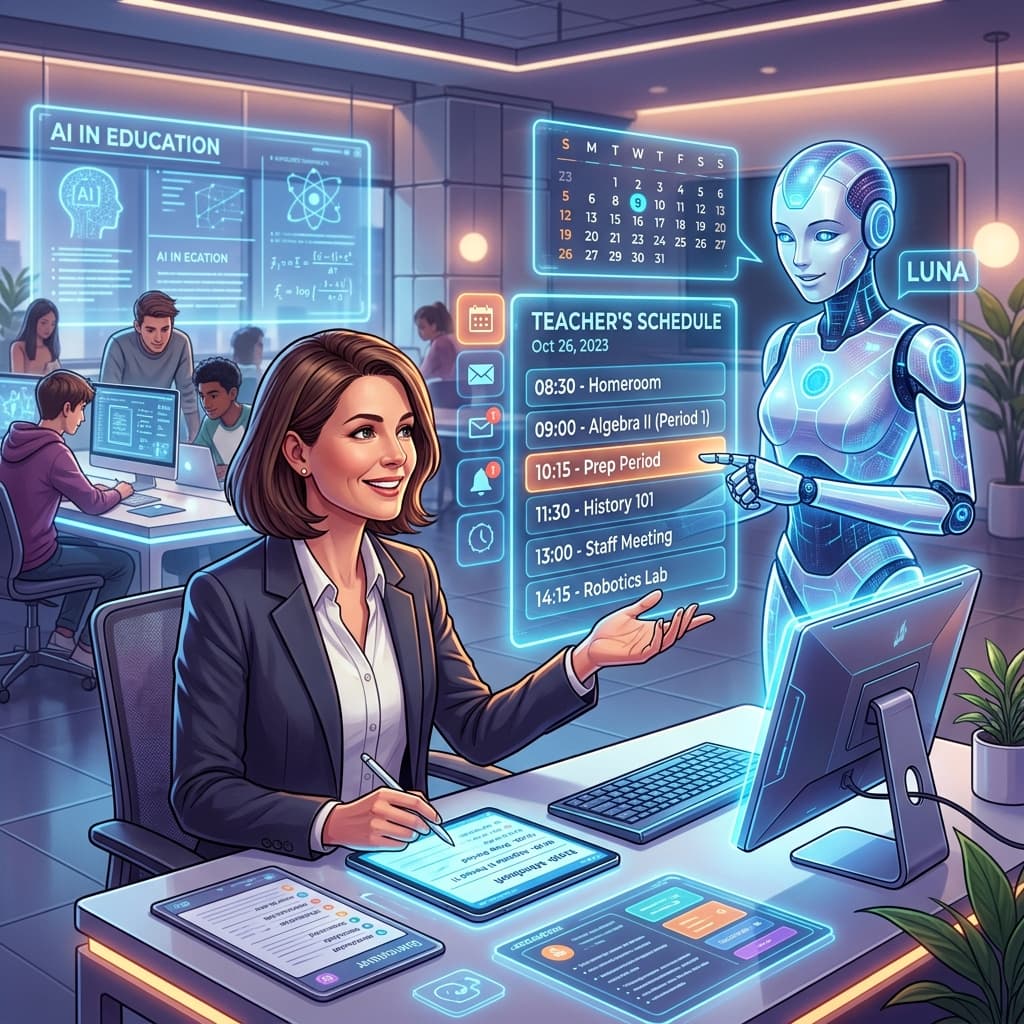
Empowering the South African Educator in the Digital Age
The South African educational landscape is uniquely demanding. Between managing overcrowded classrooms, navigating the complexities of the Department of Basic Education’s (DBE) Annual Teaching Plans (ATPs), and ensuring that every child—from the Foundation Phase to the FET Phase—reaches their potential, the administrative burden can be overwhelming. Teachers are often left with little time for what they love most: teaching.
However, a paradigm shift is occurring. Artificial Intelligence (AI) is no longer a futuristic concept reserved for tech giants; it has become a practical, daily ally for the local educator. By integrating AI into your workflow, you can automate the mundane, personalise learning at scale, and ensure your classroom activities are not only engaging but strictly CAPS-aligned.
In this guide, we will explore how to harness the power of AI specifically through the tools provided by SA Teachers, ensuring your materials are culturally relevant, pedagogically sound, and designed for the South African context.
The Challenge of CAPS Alignment and Why AI is the Solution
Every South African teacher knows the weight of the Curriculum and Assessment Policy Statement (CAPS). Whether you are teaching Grade 3 Life Skills or Grade 12 Physical Sciences, your activities must adhere to specific cognitive levels and content requirements. Historically, this meant hours of manual cross-referencing between textbooks and ATPs.
AI changes this by processing vast amounts of curriculum data instantly. Instead of searching through folders for a worksheet that matches "Term 2, Week 4" objectives, you can now generate bespoke content that fits the exact requirements of your specific grade and subject.
Using the CAPS-Aligned Lesson Planner
One of the most powerful tools available to our community is the CAPS-Aligned Lesson Planner on SA Teachers. This isn't just a generic template; it is built to understand the nuances of the South African school calendar and the specific outcomes required by the DBE.
When you use the AI Lesson Planner, you can input your subject and the specific week of the ATP you are currently tackling. The AI then suggests a structured lesson including:
- Prior Knowledge: What learners should already know.
- Introduction: A "hook" to grab interest.
- Core Content: Step-by-step delivery of the new concept.
- Differentiated Activities: Tasks for learners at different levels of achievement.
- Conclusion & Assessment: How to wrap up and check for understanding.
By using this tool, you ensure that your planning is robust enough to satisfy School Management Teams (SMTs) and Departmental Heads (DHs) while freeing up your evenings for rest or professional development.

Generating Engaging Worksheets and Exams
The "one-size-fits-all" approach to worksheets often fails in diverse South African classrooms. Some learners need more scaffolding, while others require more cognitively challenging tasks to stay engaged. Manually creating three versions of a worksheet for a class of 40 is simply not sustainable.
The Worksheet & Exam Generator
The Worksheet & Exam Generator allows you to input a text, a topic, or even a set of notes and transform them into a professional assessment.
Pro-tip for South African contexts:
When using the generator, you can specify the "context." For example, if you are teaching Economics, you can ask the AI to use examples involving the South African Rand, local businesses like Spaza shops, or the Johannesburg Stock Exchange. This makes the content immediately more relatable to your learners than generic international examples.
The generator also allows you to:
- Select Cognitive Levels: Ensure your exam has the correct ratio of 25% low-order, 50% middle-order, and 25% high-order questions as required by many CAPS subjects.
- Generate Memorandums Automatically: Perhaps the greatest time-saver. Every worksheet generated comes with a full marking guideline, ensuring consistency and accuracy.
- Language Adaptation: You can use the tool to simplify the language for English First Additional Language (EFAL) learners without compromising the rigour of the subject content.
Differentiating Instruction: From Foundation Phase to FET
Differentiation is the cornerstone of inclusive education. In a typical South African classroom, you may have a five-year gap in reading levels. AI allows you to bridge this gap without the teacher needing to work three times as hard.
Foundation Phase (Grades R-3)
For the Foundation Phase, AI can generate phonics stories that use names familiar to South African children (like Thabo, Zanele, or Liam) and settings they recognise (like the local taxi rank or a community garden). You can use the AI to generate "fill-in-the-blank" stories or simple comprehension tests that focus on the specific sounds being taught in the ATP for that week.
Senior and FET Phase (Grades 7-12)
In the higher grades, the focus shifts to critical thinking and exam preparation. This is where the Study Guide Creator becomes invaluable. By feeding the AI specific chapters or key concepts, you can generate a condensed study guide that highlights:
- Key terminology and definitions.
- Flowcharts and logic maps.
- Typical "long-form" exam questions.
This tool is a lifesaver for Grade 12 teachers during the "pre-Trial" rush. It allows you to provide every student with a high-quality revision pack that targets the specific areas where they are struggling.

Personalised Support with the AI Tutor
As a teacher, you cannot be everywhere at once. During a 45-minute period, you might spend 20 minutes on direct instruction, leaving only 25 minutes to assist 35 learners individually.
The AI Tutor on sateachers.co.za acts as a "teaching assistant" for your learners. If a student is stuck on a particular concept in Mathematics—for example, factorising trinomials—they can interact with the AI Tutor.
Lesson Planner
Generate comprehensive, CAPS-aligned lesson plans in seconds.
Instead of just giving the answer, the AI Tutor is programmed to:
- Ask guiding questions.
- Identify the specific step where the learner is making a mistake.
- Provide a simplified explanation based on the learner's previous knowledge.
By integrating this into your classroom activity—perhaps as a "tech station" if you have tablets or a computer lab—you can ensure that learners who are shy to ask questions in front of the class still receive the support they need.
Streamlining Assessment and Feedback
Assessment is often the biggest bottleneck in education. Marking 200 essays or 150 business reports can lead to "marking fatigue," where the quality of feedback diminishes as the pile grows.
Essay Grader & Rubric Creator
The Essay Grader & Rubric Creator is designed to solve this exact problem. First, you can use the tool to generate a clear, CAPS-aligned rubric. Once the learners have submitted their work, you can use the AI to provide a preliminary grade and, more importantly, detailed feedback.
The AI doesn't just say "Good job." It provides specific feedback such as:
- "Your introduction clearly states your thesis, but your second paragraph lacks a supporting example from the text."
- "You have consistently misused the past tense in your creative writing piece; please review the conjugation of irregular verbs."
By using this tool, you can return scripts to learners within days rather than weeks. This immediate feedback loop is crucial for learning, as students can actually remember what they were thinking when they wrote the assignment.
As the term comes to a close, the dreaded task of report writing looms. Writing 40 unique, constructive, and encouraging comments is exhausting. The Report Comments Generator on our platform allows you to input a few bullet points about a student's performance (e.g., "Good at maths, struggles with focus, improved in Term 3") and generates a professional, polished paragraph.
This ensures that every parent receives a thoughtful reflection on their child's progress, while the teacher avoids the "copy-paste" trap that often occurs during the end-of-year rush.
Practical Steps: How to Write Effective AI Prompts
To get the most out of the AI tools on sateachers.co.za, it helps to understand "Prompt Engineering." This is simply the art of giving the AI clear instructions.
When you are using the tools, try to follow the C.A.P.S. method of prompting:
- C - Context: Tell the AI who you are and who the audience is. (e.g., "I am a Grade 9 Social Sciences teacher.")
- A - Action: Tell the AI exactly what to do. (e.g., "Create a 10-question multiple-choice quiz.")
- P - Parameters: Give specific constraints. (e.g., "Focus on the Industrial Revolution in South Africa, use simple English, and include a memo.")
- S - Style: Define the tone. (e.g., "Make the tone encouraging and include a 'Challenge Question' at the end.")
Example Scenario: Grade 11 Life Sciences
- The Problem: Students are struggling to understand the process of Photosynthesis.
- The AI Solution: Use the Worksheet Generator with a prompt like: "Generate a worksheet for Grade 11 Life Sciences on the Light-Independent Phase of photosynthesis. Include a diagram analysis question and a 5-mark paragraph question. Align this with the IEB/CAPS standard for Paper 1."
- The Result: Within 30 seconds, you have a high-quality resource ready to be printed or shared on Google Classroom.
Overcoming Common Concerns
We understand that many South African teachers are hesitant about AI. Let’s address some common concerns:
1. "Will AI replace me?"
Never. Teaching is a human-centric profession. AI cannot provide the emotional support, the mentorship, or the classroom management that a South African teacher provides. AI is the "power steering"—it makes the journey easier and faster, but you are still the driver.
2. "Is it cheating?"
Using AI to generate teaching materials is no different from using a teacher's guide or a textbook. It is a tool for professional productivity. When learners use it, the focus should be on "AI Literacy"—teaching them how to use it ethically and critically.
3. "What about data and privacy?"
At SA Teachers, we prioritise the security of our educators. Our tools are designed to be used by professionals, and we encourage teachers never to input sensitive, personally identifiable information about learners into any AI system.
Conclusion: The Path Forward for SA Teachers
The integration of AI into our schools is not just about staying trendy; it is about survival and excellence. In a system where resources are often thin, AI provides a "digital abundance." It gives every teacher a personal assistant, every student a tutor, and every school a chance to improve their academic outcomes.
By using the SA Teachers suite of tools—from the CAPS-Aligned Lesson Planner to the Essay Grader—you are not just saving time. You are reclaiming your passion for education. You are ensuring that your classroom is a place of innovation, inclusion, and high-quality learning.
Start small. Try generating one lesson plan this week. Create one worksheet for your most challenging topic. See the difference it makes in your workload and your learners' engagement. The future of South African education is here, and it is powered by teachers like you, equipped with the best technology available.
Are you ready to transform your classroom? Explore our AI tools today and join the community of forward-thinking South African educators.
SA
Dedicated to empowering South African teachers through modern AI strategies, research-backed pedagogy, and policy insights.